
The PRESTO card
PRESTO is how you pay on the subway — tap the green reader, top up, and go. Everything you need: how to buy one, add money, check your balance and use it.
What the PRESTO card is
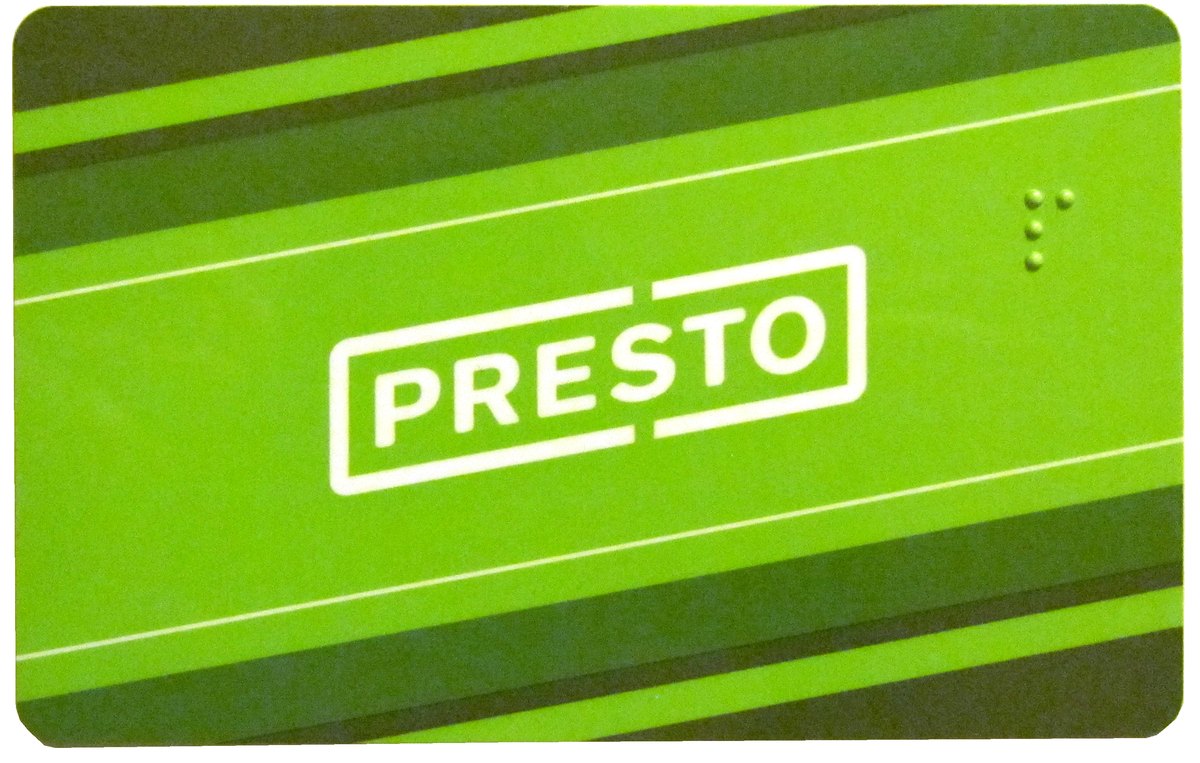
PRESTO is the reloadable fare card used across the TTC and the wider Greater Toronto and Hamilton area. You tap it on the reader at the fare gate when you enter; the flat fare is deducted and your two-hour transfer starts.
Ways to pay
Tap the green reader at the gate. One flat fare, two hours of travel. Load it online, in the app, at machines or at shops.
Tap a contactless debit or credit card, or your phone — the same flat fare, no PRESTO card needed.
Paper PRESTO tickets and cash (exact change, on surface vehicles) also work; PRESTO or contactless is simplest.
How to top up your PRESTO
Load a PRESTO card online at prestocard.ca, in the PRESTO app, at the machines in stations, or at shops that sell PRESTO. Add as much or as little as you like — the balance does not expire.
Load value online at prestocard.ca, or set up autoload so the card tops itself up when the balance runs low.
Add value from the PRESTO app on your phone in a few taps; it is ready to use within minutes.
Use the green self-serve machines on the concourse — debit, credit or cash.
Top up at Shoppers Drug Mart and the other PRESTO retailers across the city.
How to check your PRESTO balance
There are three quick ways to see what is left on your PRESTO.
Tap the card on a green self-serve machine; the screen shows the balance left and your recent taps.
Sign in at prestocard.ca or the PRESTO app (for a registered card) to see your balance, top up and view your travel history.
The fare-gate reader shows your remaining balance each time you tap on.
Where to buy a PRESTO
A PRESTO card has a small one-time card fee. Once you have the card, just load travel money onto it and tap on.
From the green self-serve machines at any subway station.
From Shoppers Drug Mart and other PRESTO retailers.
Order one at prestocard.ca and load it before you travel.
Using your PRESTO on the subway
Lost or stolen PRESTO
If your card goes missing, your balance need not go with it.
Register your PRESTO card so your balance is protected if it is lost and you can set up auto-load.
Common questions
No — you can also tap a contactless bank card or your phone, or buy a PRESTO ticket from the machine. The fare is the same flat about $3.30 either way; a PRESTO card is just quicker for regular trips and holds passes.
Load a PRESTO card online at prestocard.ca, in the PRESTO app, at the machines in stations, or at shops that sell PRESTO.
At a green self-serve machine in any station, online or in the PRESTO app for a registered card, or on the reader when you tap on.
Register your PRESTO card so your balance is protected if it is lost and you can set up auto-load.